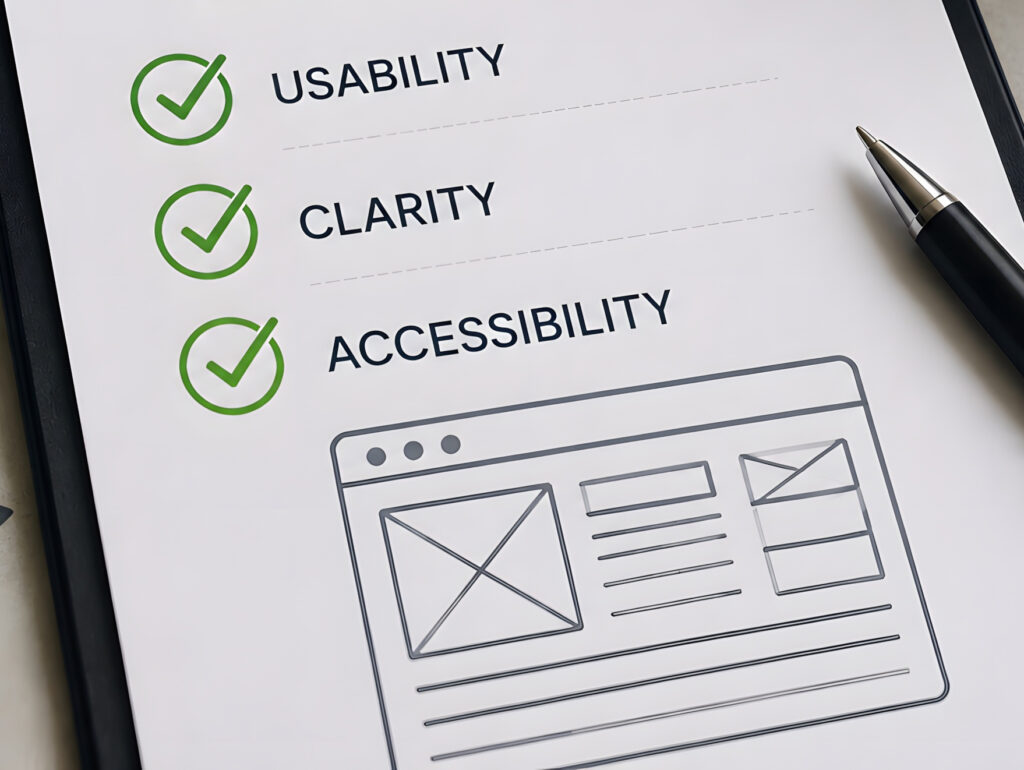
A website is often one of the first places people go when they want to learn more about a business. They want to know what you do, whether you can help them, and how to get in touch.
That sounds simple; however, a website can look great and still leave people with questions. Maybe the services aren’t clear, the information is hard to find, or visitors aren’t sure what to do next.
The good news is that a website doesn’t have to be fancy or packed with features to do its job. It just needs to make things easy for the people using it.
So, what should a good small business website actually do? Let’s look at the things that matter most.
1. People Shouldn’t Have to Guess What You Do
Imagine landing on a website and seeing a beautiful photo, a clever slogan, and absolutely no clue what the business offers.
Pretty, perhaps. Helpful? Not particularly.
Your homepage needs to explain what you do and who you do it for. Visitors shouldn’t have to click through three pages or read your entire About section to figure that out.
You can still have personality in your messaging. In fact, you should. But clever wording works best when people can understand it.
Say you’re a contractor. A headline about “Building Better Futures” might sound good, but it doesn’t tell someone whether you build homes, remodel kitchens, or are investing in our youth. A straightforward headline that identifies your services does much more work.
Think about the questions a new customer would have when they land on your site.
- What do you offer?
- Do you serve their area?
- Are you the kind of business they’re looking for?
Answer the important ones early. You can fill in the details further down the page.
2. Visitors Can Find What They Need
Your website menu isn’t the place to get creative just for the sake of it.
People are used to seeing familiar options such as Home, About, Services, and Contact. You don’t have to use those exact labels for everything, but visitors should understand where a link will take them.
This becomes especially important when your business offers several services. If you provide web design, social media management, and local SEO, for example, one vague “What We Do” page may not give each service enough room to explain itself.
Separate service pages can help visitors find the information that applies to them. They also give you a place to answer specific questions instead of cramming everything onto the homepage.
Keep your menu organized. Group related services together and make your contact information easy to find.
If you have to explain to someone how to navigate your website, it’s probably worth taking another look at the menu. You don’t want a potential customer getting flustered because your navigation is confusing. They will bounce right out of your site and find someone else to help them.
3. It Needs to Work on a Phone
You might have built your website on a laptop, but plenty of your visitors will see it on a phone.
Pull up your site on yours. Not just the homepage. Try finding a service, reading a few paragraphs, opening the menu, and contacting the business.
Does the text feel comfortable to read? Do the buttons fit on the screen? Can you tap the right link without accidentally opening something else?
Pay attention to the little frustrations. A contact button that’s hard to tap or a menu that covers half the screen can be enough to make someone give up.
Also, don’t assume that because your website technically fits on a phone, the experience is good. Text can be too small, images can push important information too far down, and forms can be a pain to complete.
You don’t need to make your website look identical on every device. It just needs to be usable and easy to navigate.
4. Give People a Reason to Trust You
When someone is considering hiring your business, they’re often looking for reassurance. They want to know you’re legitimate, understand what you’re doing, and can deliver what you’re promising.
Your website can help answer those questions.
Depending on your business, useful trust-builders might include:
- Photos of your actual work, products, team, or location.
- Customer reviews or testimonials you’ve received permission to share.
- An About page that tells people a little about who you are.
- Examples of past projects.
- Clear service descriptions and realistic expectations.
- Contact details that are easy to find.
You don’t need to squeeze all of these onto every page. Choose what makes sense for your business.
A contractor might show completed projects. A salon could feature its services, team, and client reviews. A consultant might explain their process and share relevant experience.
Use real information wherever possible. Stock photos can be useful, but they shouldn’t leave visitors thinking they’re looking at your actual team or work when they’re not.
And please make sure your information is accurate. An outdated phone number or a list of services you no longer offer doesn’t inspire confidence.
5. Make the Next Step Clear
Let’s say someone visits your website, likes what they see, and decides they might want to work with you.
Now what?
Can they call you? Request a quote? Book an appointment? Do they need to fill out a form, or should they send an email?
Make it obvious.
The right call to action depends on your business. A restaurant might want visitors to make a reservation. A contractor may want them to request an estimate. A service business might simply want people to get in touch.
Use wording that tells visitors what happens next. “Request a Quote” is more specific than “Click Here.” “Book an Appointment” is pretty hard to misunderstand.
You don’t need a button after every paragraph, either. Give people a clear next step where it makes sense, especially on your service pages and contact page.
One thing worth checking: make sure those buttons actually work. Test your forms, too. If someone sends you a message and it disappears into the digital void, your website has a problem regardless of how good it looks.
6. Your Website Needs to Be Findable
A website can be excellent at answering questions and still have a hard time attracting visitors if people can’t find it.
This is where search engine optimization, or SEO, comes into play.
Your website needs to make sense to people, of course, but it also needs to give search engines useful information about your business. That means being clear about your services, the areas you serve, and the topics each page covers.
A few things that help:
- Page titles and headings that accurately describe the content.
- Useful service pages rather than one vague page trying to cover everything.
- Relevant location information if you serve a particular area.
- Accurate business details, including your name, address, and phone number where applicable.
- A properly maintained Google Business Profile if your business is eligible.
You don’t need to cram every possible keyword into your website. In fact, that can make your content awkward to read. Write for your customers first, and make sure the subject of each page is clear.
If you serve customers in a specific region, say so. If you specialize in a particular service, explain what it is and who it’s for.
Local SEO involves more than your website alone, but your website is an important part of the picture. You can read more in our article about what local SEO actually does.
And no, making these improvements won’t magically put you at the top of Google overnight. Search visibility takes work, and results depend on competition and other factors. But a clear, useful website gives you a much better starting point than a site that leaves everyone guessing.
7. Keep the Information Current
When did you last look at your website with fresh eyes?
It’s easy to leave things alone once the site is finished. You’re busy running your business, serving customers, managing employees, and dealing with all the other things that somehow become your responsibility.
Meanwhile, your website may still list a service you discontinued last year. Perhaps your hours changed, your team grew, or you’ve moved to a new location.
Small inaccuracies can cause real headaches. A potential customer might call the wrong number, show up at the wrong address, or assume you don’t offer the service they’re looking for.
You don’t have to review every page every week. Set aside time occasionally to check the essentials:
- Are your services and prices, if listed, still accurate?
- Do your contact details and business hours reflect reality?
- Are the photos and staff information current?
- Do your links, forms, and booking options work?
While you’re at it, read the copy.
- Does it still sound like your business?
- Does it answer the questions customers ask you now?
A website isn’t something you finish once and never touch again. Businesses change, and the information online needs to keep up.
Does Your Website Need a Redesign?
Not necessarily.
Maybe your website is a little dated, but it explains your services clearly and brings in good inquiries. You might need a few updates, not a whole new site.
On the other hand, if it’s difficult to use on a phone, your services have changed significantly, or customers regularly struggle to find basic information, it’s worth looking more closely.
Start by identifying what’s not working. Don’t jump straight to a redesign just because another business has a newer website.
Sometimes the fix is better wording. Maybe the navigation needs attention, or your contact information is buried. You may need dedicated service pages, updated photos, or a clearer path for visitors to get in touch.
And sometimes, yes, starting fresh makes more sense than trying to patch an outdated site.
The point is to solve the actual problem. A website doesn’t need to win a design award. It needs to help your business.
A Good Website Doesn’t Have to Be Complicated
You don’t need every new feature, animation, or clever design trend to make your website useful.
You need one that explains what you do, makes information easy to find, gives people confidence in your business, and helps them take the next step. It should work on their phones, reflect your current services, and give search engines a clear picture of what you offer.
Get those fundamentals right before worrying about the extras.
If you’re not sure how your current website measures up, start with a simple review. Look at it as if you were a potential customer who knows nothing about your business.
- What questions would you have?
- What might frustrate you?
- What would make you feel confident enough to reach out?
Sometimes it’s easier to spot the gaps when you stop looking at the site as its owner and start looking at it as the person you want to serve.
North Node Marketing helps businesses improve their websites, local search visibility, and overall online presence.
If you’re not sure what’s working and what could be better, start with a Free Visibility Check. We’ll help you identify opportunities to strengthen your online presence and make it easier for potential customers to find you.

What Local SEO Actually Does (And Why Your Business Needs It)
You can offer great services, take care of your customers, and be proud of the…

Starting a Business Website: What to Know Before You Begin
Starting a website can feel like a big undertaking. You know your business needs one,…


